


REFOX BITMAP
Professional Circuit Board Repair Software
Download (V3.9) Only available on the Windows operating system
Powerful Features for Professional Repair
REFOX BITMAP provides functional repair software with extensive content, supporting a wide range of brands and models. Regular monthly updates enhance its usability, helping technicians work more efficiently.
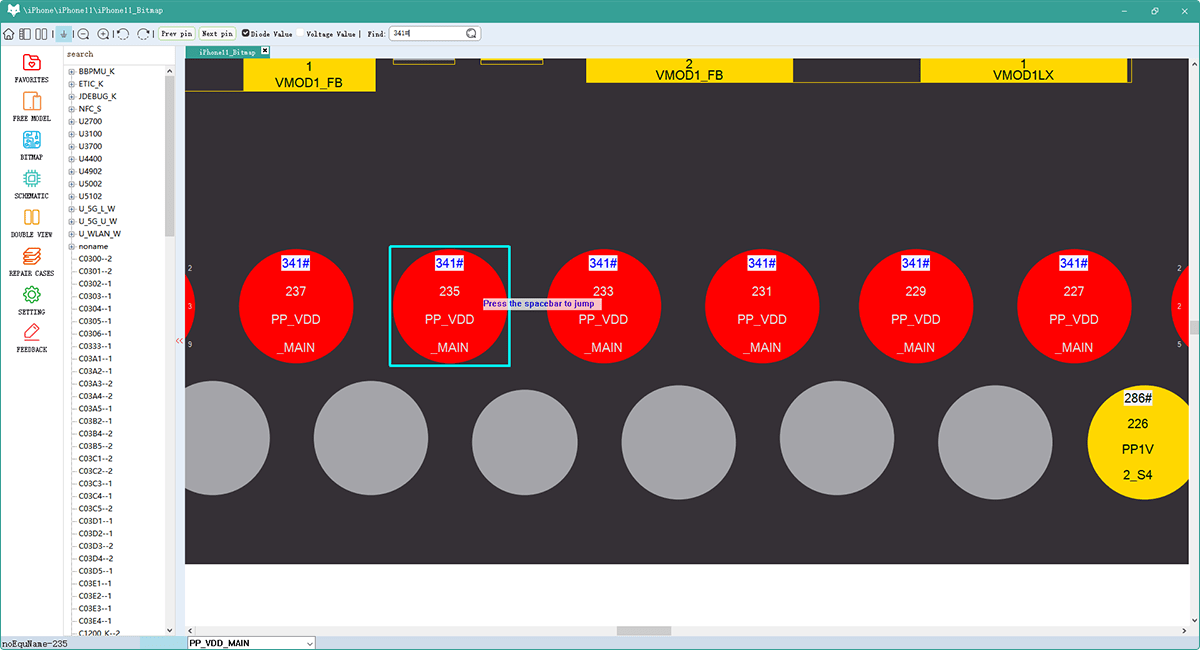
Quick Search
Input the motherboard name or number to quickly find the bitmap you need with our intelligent search system.
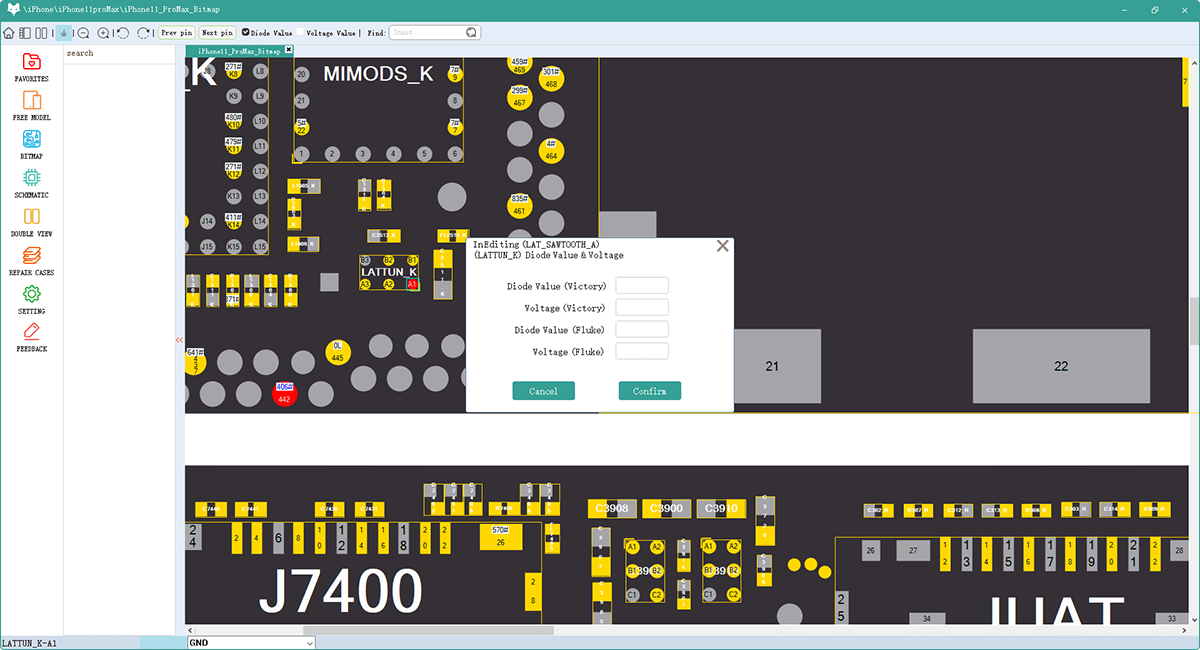
Edit Resistance Data
Modify and customize resistance diagrams with our intuitive editing tools for precise repair work.
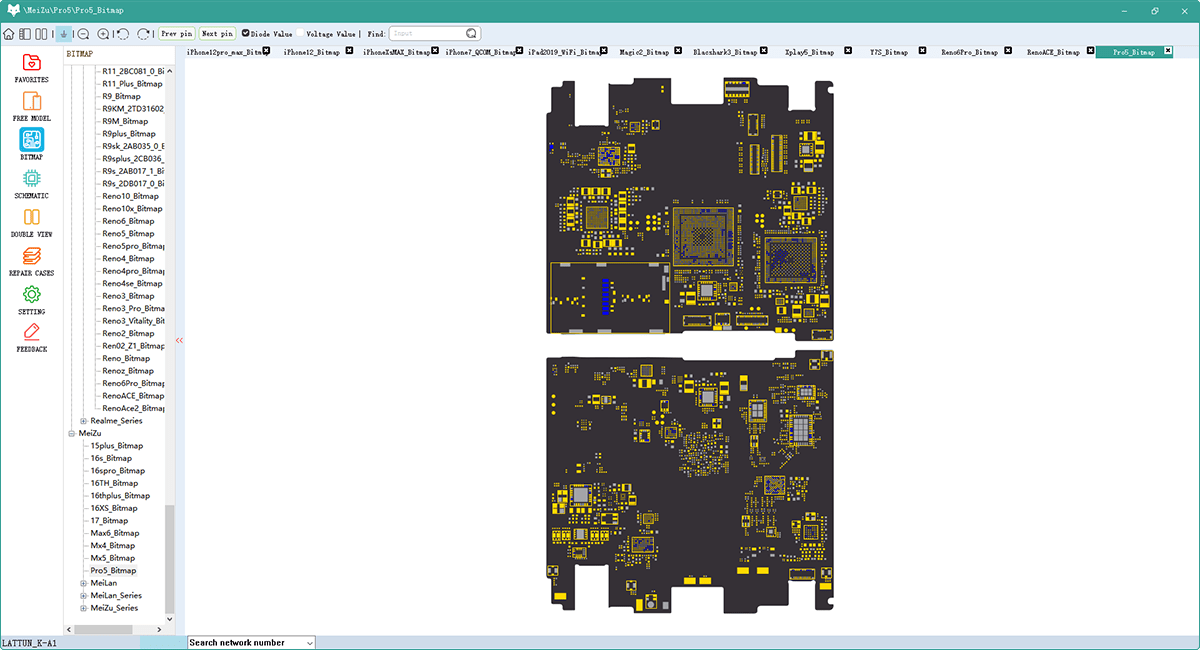
Multiple View Options
Analyze complex circuits effectively using split-screen or multi-view modes to gain a detailed understanding of schematics.
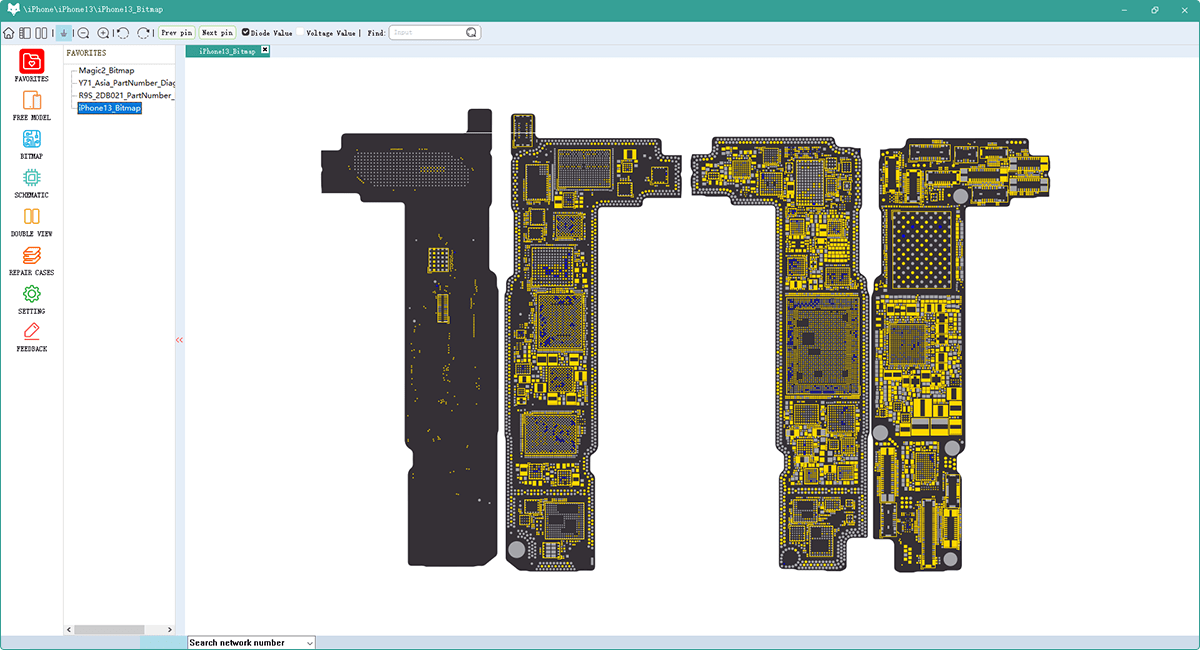
Favorites System
Save your favorite bitmaps you often-used bitmaps to your favorites for quick access during repair sessions.
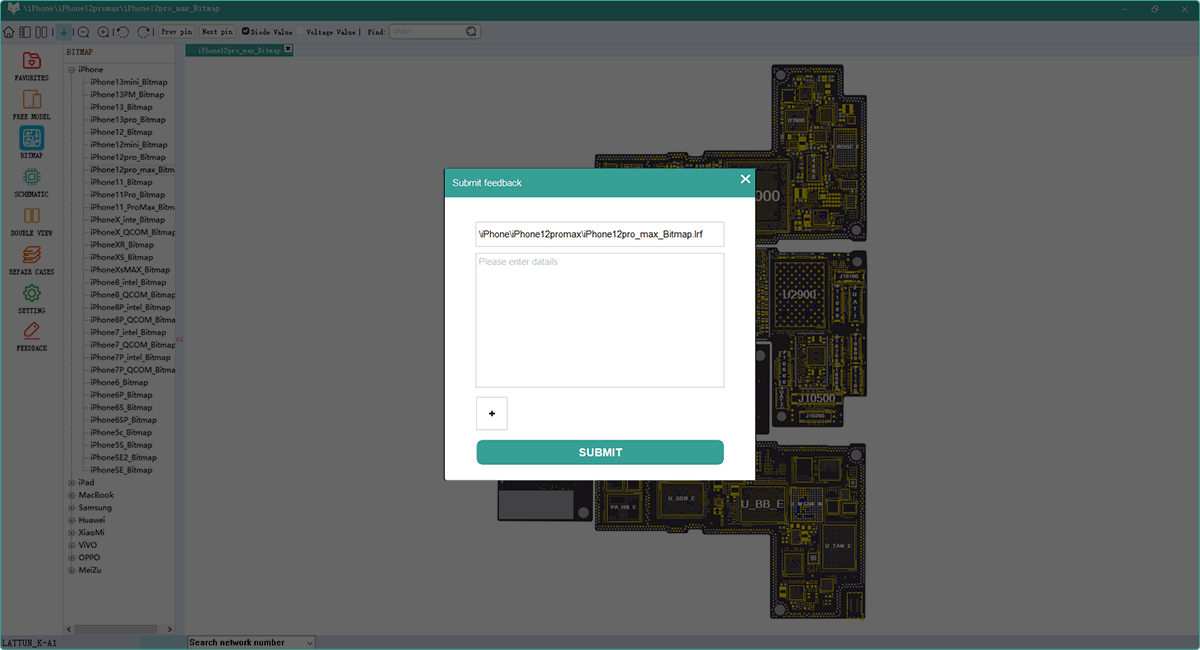
Repair Case Database
Share or read a comprehensive repair case with solutions for common and complex problems.
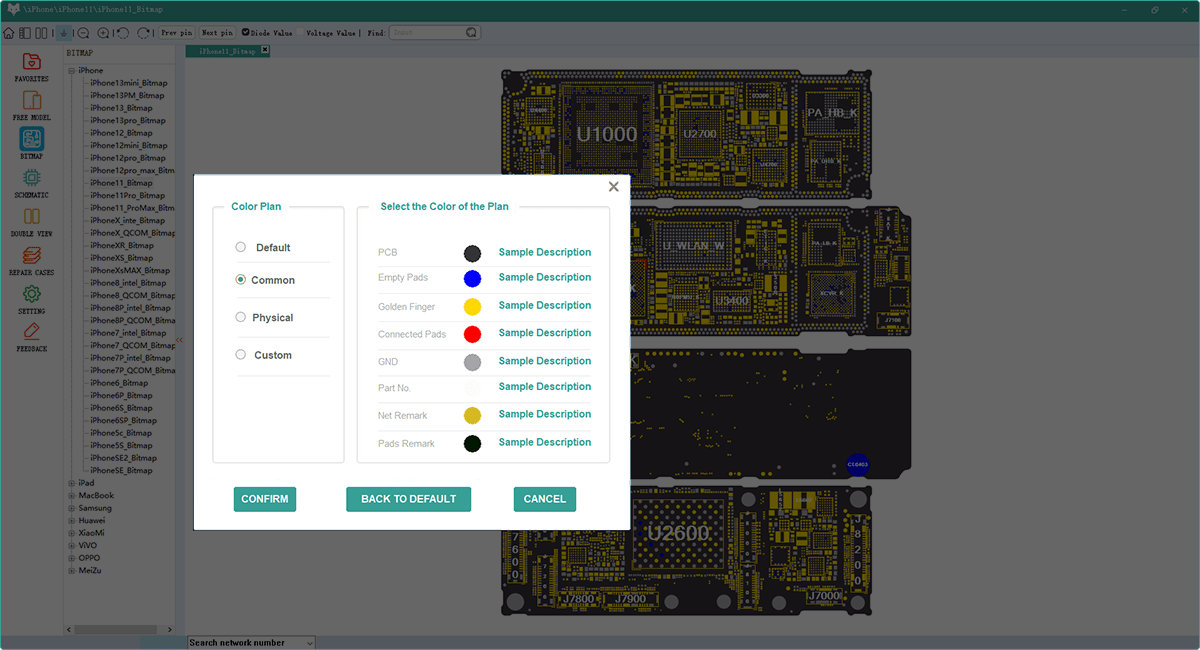
Customizable Interface
Personalize your workspace with color schemes and layouts tailored to your workflow.
Comprehensive Diagram Types
Access a wide variety of technical diagrams for all your repair needs
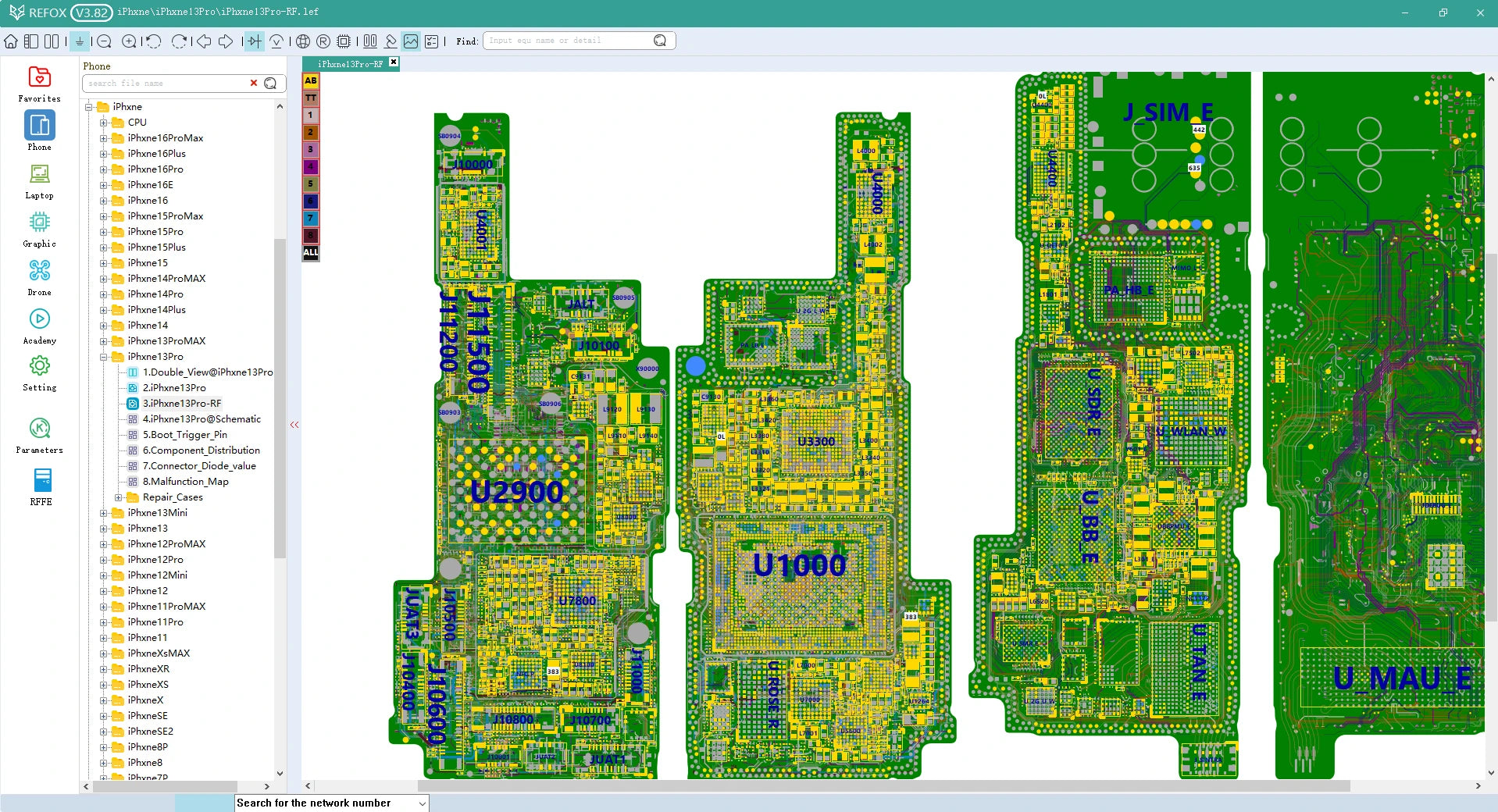
Bitmap Diagrams
Detailed component location maps for precise identification and troubleshooting.
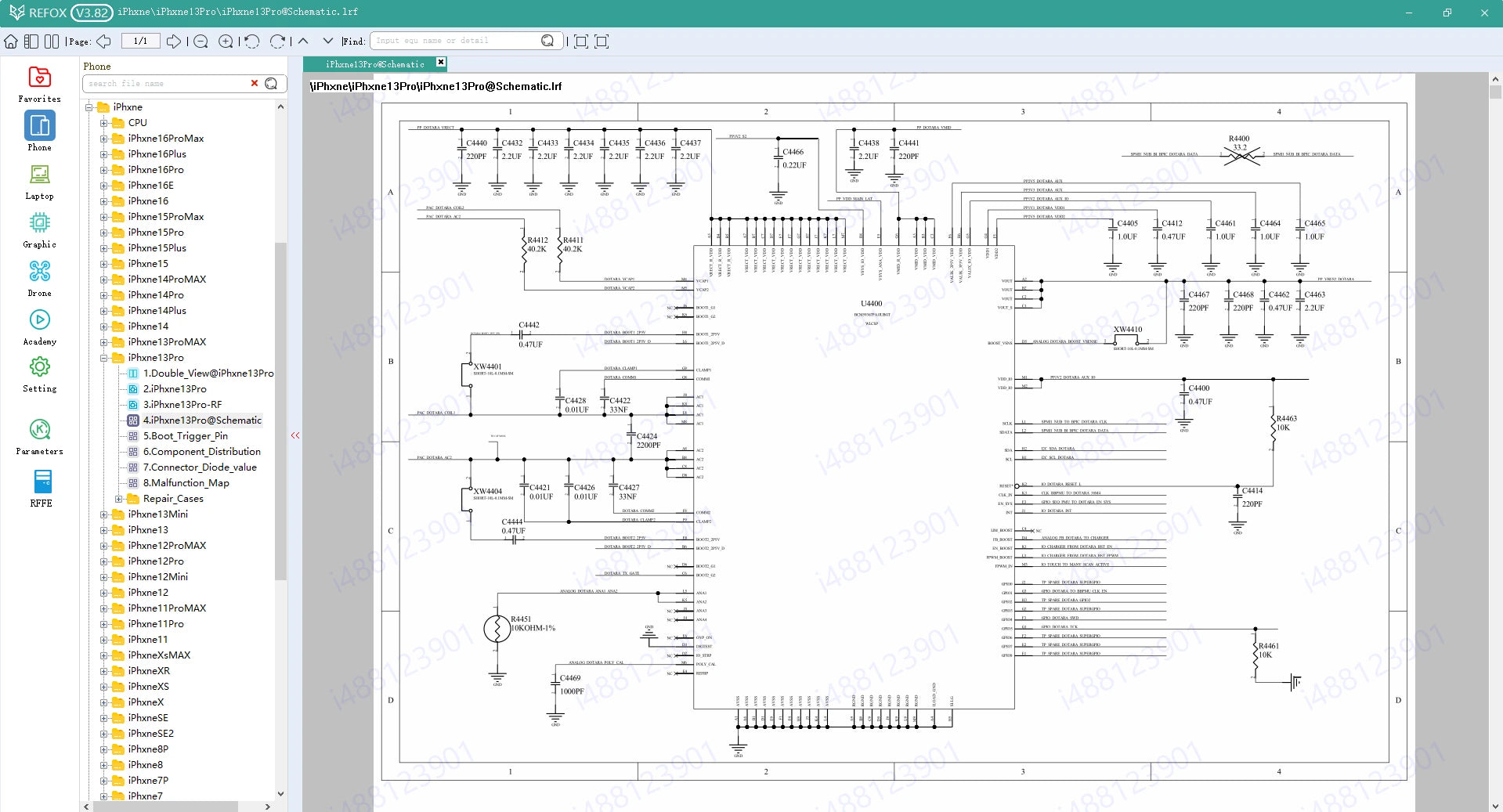
Schematic Diagrams
Complete circuit schematics showing electrical connections and component relationships.
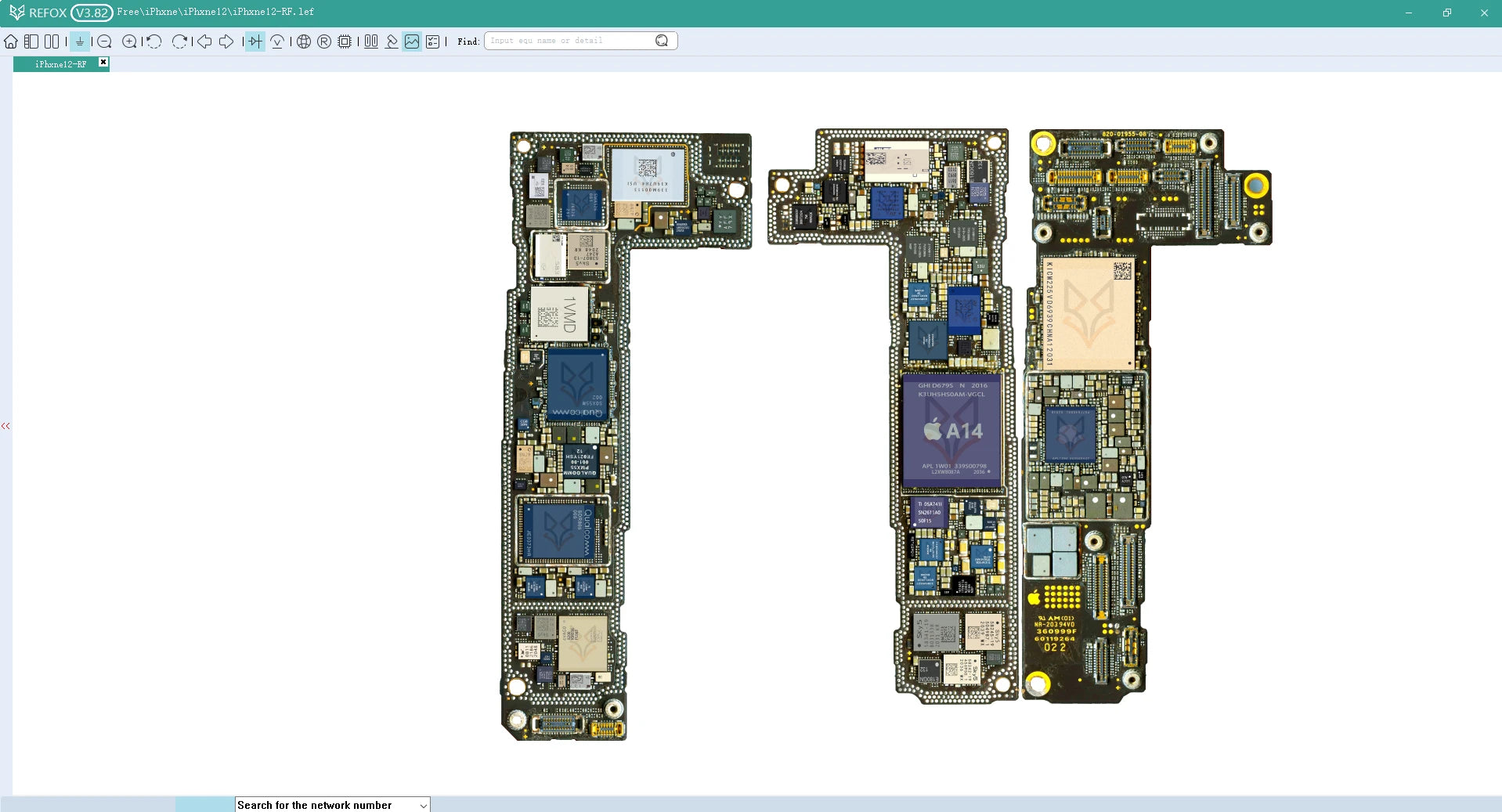
Components Distribution
Visual layouts showing component placement and orientation on circuit boards.
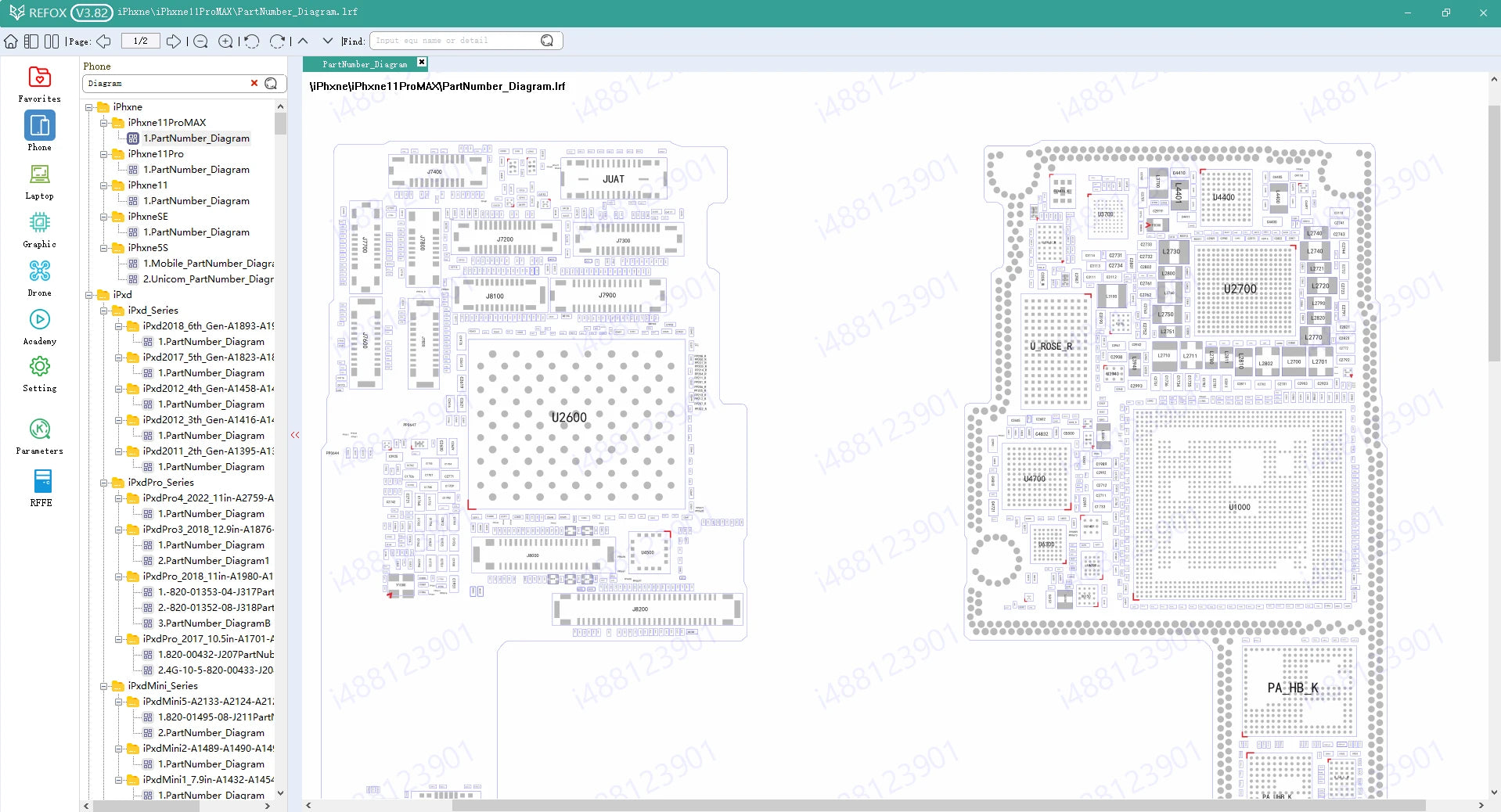
Circuit Block Diagrams
High-level system overviews showing functional blocks and their interconnections.
Wide Range of Supported Brands
Comprehensive coverage for Apple, Android devices, and more



Frequently Asked Questions
Find answers to common questions about REFOX Bitmap
What devices and brands does REFOX BITMAP support?
REFOX BITMAP supports a wide range of devices including Apple iPhones, iPads, MacBooks, as well as Android devices from major manufacturers like Samsung, Xiaomi, Huawei, OPPO, VIVO, and Meizu. Our database is continuously updated with new models and brands each month to ensure comprehensive coverage for repair technicians.
How often is the diagram database updated?
We release monthly updates to our diagram database to include the latest device models and to improve existing schematics. Subscribers receive automatic notifications when new updates are available. Our team works continuously with manufacturers and repair experts to ensure our diagrams are accurate and up-to-date with the latest technological developments.
Can I use REFOX BITMAP on multiple computers?
Yes, our subscription model allows installation on up to 3 devices per user account. This enables technicians to use the software on their primary workstation, laptop, and backup computer. For repair shops with multiple technicians, we offer enterprise licenses with additional device allowances. All installations are managed through your user account dashboard.